Device Compatibility
Stream on Any Screen You Own
No locked set-top boxes or proprietary equipment required. Use your current television, streaming stick, mobile, or computer with verified IPTV players.
One Subscription for All Your Household Screens
Connect your account to the devices you already use every day. Pick a plan with 1 to 5 simultaneous connections so family members can stream their favorite content at the same time in different rooms.
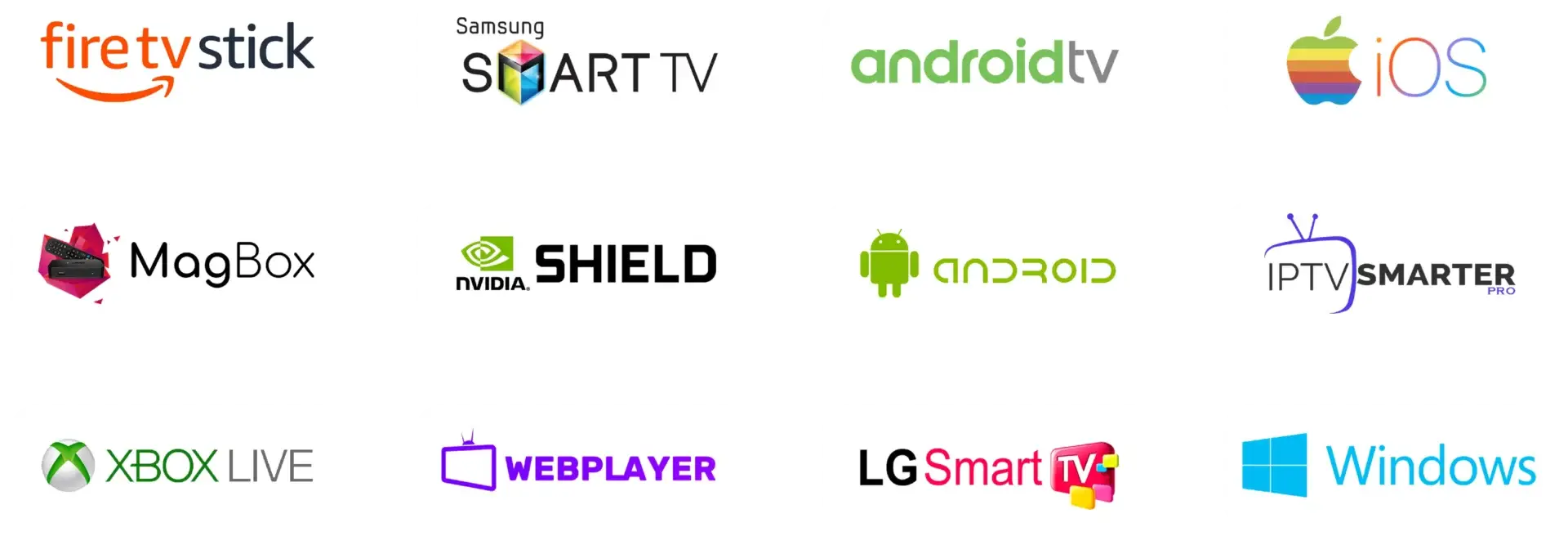
Select Your Device Platform
Click on any device card below to view detailed installation steps, app recommendations, and optimization tips.
Firestick & Fire TV
Plug-and-play HDMI streaming sticks with responsive remote navigation and dedicated hardware decoding for smooth 4K 60 FPS playback.
Samsung Smart TV
Stream directly on your television without purchasing extra dongles. Download verified media players straight from the official Samsung Smart Hub.
LG Smart TV
Enjoy sharp 4K HDR visuals and fluid Magic Remote point-and-click control with native applications available directly in the LG Content Store.
Android TV & Google TV
Full access to the Google Play Store with advanced EPG guide layouts, multi-view channel options, and auto-frame rate synchronization.
Apple TV & iOS
Sub-second channel switching, sleek Siri Remote integration, and effortless AirPlay 2 streaming across Apple TV 4K, iPhone, and iPad.
Windows PC & Mac
Watch live sports and on-demand movies while you work with Picture-in-Picture floating windows, dual-monitor setups, and recording support.
Why Choose an Open IPTV Platform?
Unlike traditional cable providers that charge monthly rental fees for proprietary boxes, our service works with standard open players.
Zero Equipment Rental Fees
Never pay monthly rental charges for set-top boxes or cables. Use your existing TV, Firestick, phone, or laptop.
Multi-Room Streaming Plans
Choose options with up to 5 simultaneous streams so different household members can watch what they want on their own screens.
Automated Instant Setup
Receive your Xtream Codes API server address, username, and password in your email to get connected in under 5 minutes.
Device Compatibility Frequently Asked Questions
Do I need to buy a specific TV box?
No. If you have an Amazon Firestick, Samsung Smart TV, LG Smart TV, Android TV, Apple TV, phone, or computer, you can install an IPTV app and start streaming right away.
How many devices can I watch at the same time?
The number of devices streaming simultaneously depends on your plan (1, 2, 3, 4, or 5 connections). You can register your account on multiple devices and switch between them freely.
What information do I enter in my player app?
After subscribing, you will receive an email containing your Server URL, Username, and Password for Xtream Codes login, plus an M3U playlist link.
What internet speed is recommended?
We recommend a steady connection speed of at least 15 Mbps for standard HD channels and 30+ Mbps for 4K live sports events. Connecting via 5GHz Wi-Fi or Ethernet provides the best stability.
Ready to Stream on Your Device?
Select your subscription duration, receive your credentials, and enjoy high-definition entertainment on any screen.